01
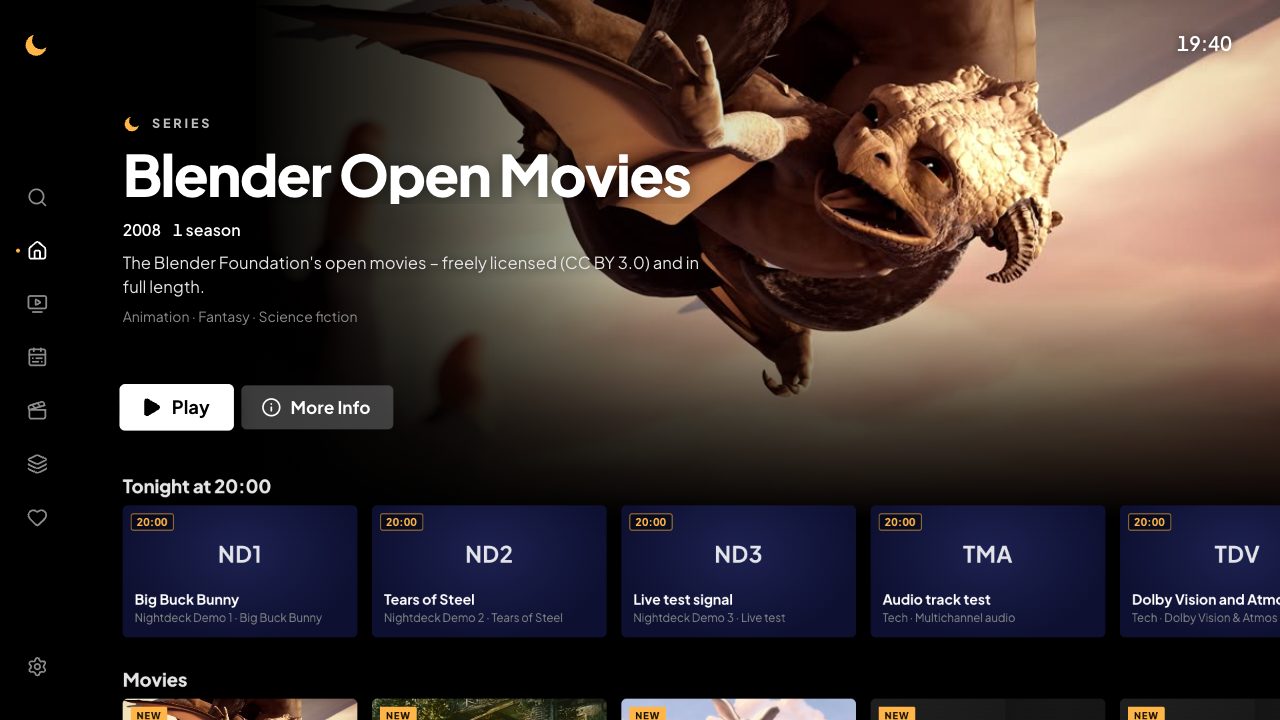
A home screen like the big ones
Continue watching, Top 10 and recommendations from your own library, with big pictures instead of endless lists.
IPTV player for your TV
Nightdeck turns your Xtream Codes login or M3U playlist into a TV experience like the big streaming services: fast, calm and in your language.
Nightdeck is a pure player. It contains no channels, movies or shows.
In 24 languages
Continue watching, Top 10 and recommendations from your own library, with big pictures instead of endless lists.
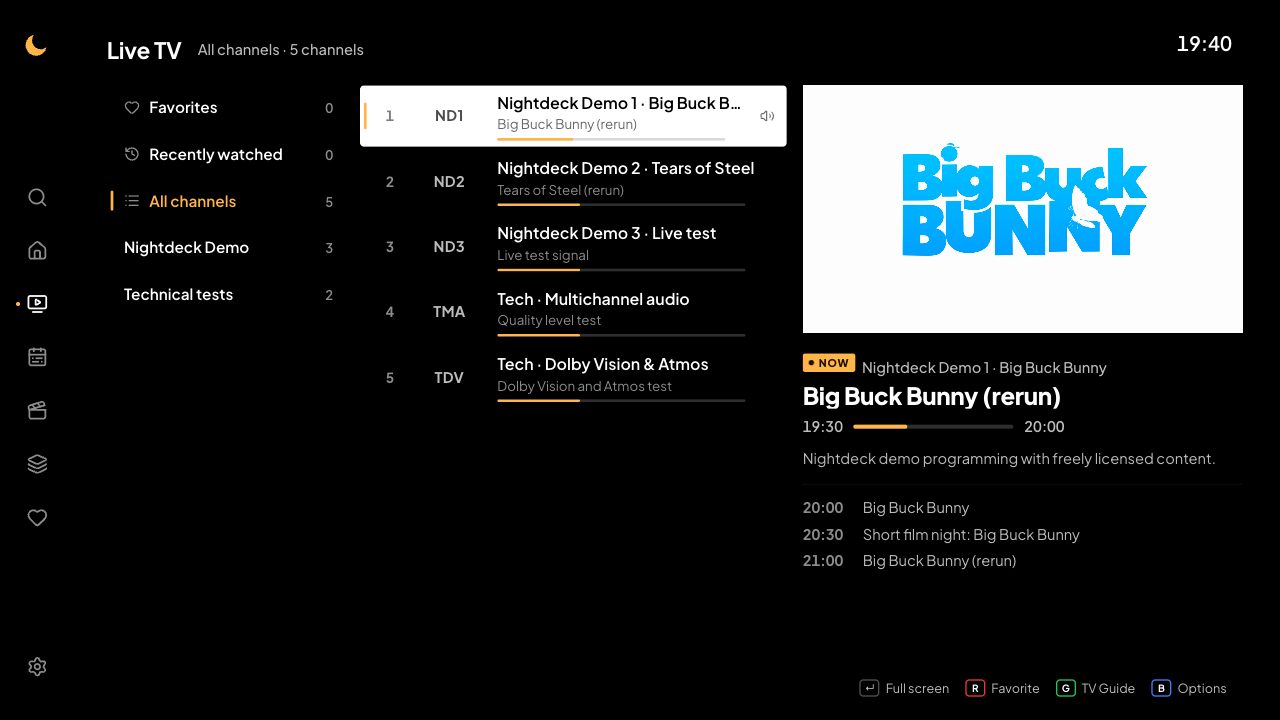
Even lists with tens of thousands of channels scroll smoothly. Small preview, switch channels with one press.
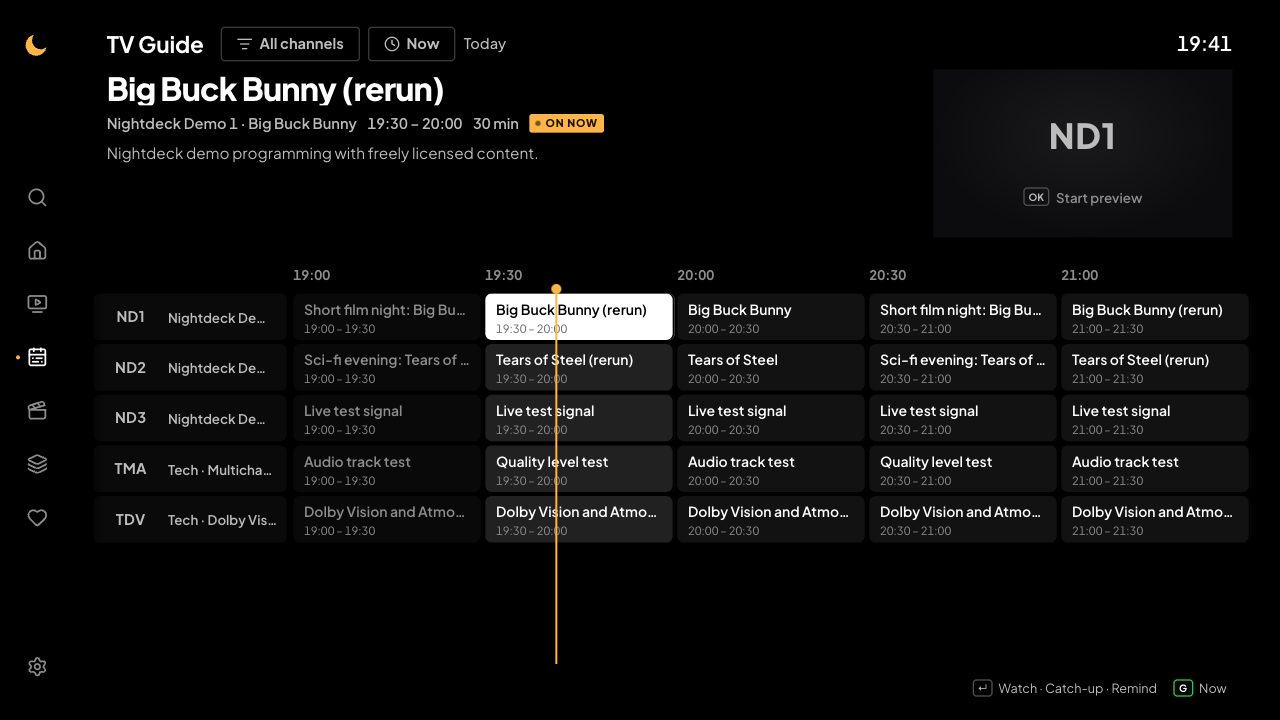
The schedule of every channel, reminders and past shows if your provider offers catch-up. “Start over” restarts a show that's on right now.
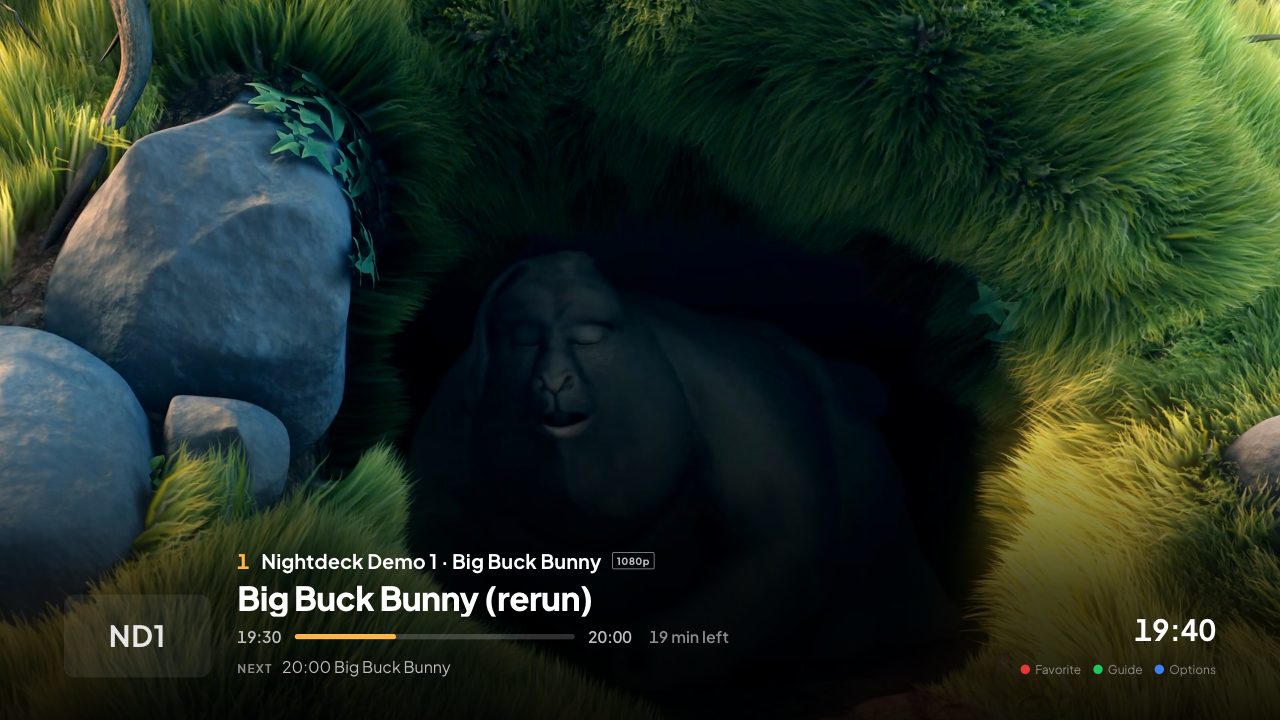
Built for TVs and streaming sticks from 2018 and for catalogs with tens of thousands of movies and shows.
Your channels' prime-time line-up at a glance, like a TV magazine. One press sets a reminder.
Fall asleep when the show ends. During breaks a calm gallery from your library protects OLED screens.
Interface, dates and search keyboard in your language, including Cyrillic and Greek script. Nightdeck picks the matching audio track by itself.
Add several logins and choose who's watching at start. Favorites and history stay separate per playlist.
Adult content stays hidden until you unlock it with your PIN.
No ads, no tracking, no account. Your playlists, favorites and history stay on your device.
The images show the built-in demo with free films by the Blender Foundation (CC BY 3.0).
Nightdeck contains no channels, movies or shows and doesn't arrange providers. You add your own sources, for example cable TV from your FRITZ!Box, your own media server or a service you pay for.
Only use Nightdeck with sources you're entitled to use. The respective provider alone is responsible for the content.
Supported: Xtream Codes logins, M3U and M3U8 playlists, XMLTV TV guides (also as .gz), streams as HLS and MPEG-TS.
One license. 2 devices. Mix and match.
For TVs with webOS 4 or newer (2018 models on).
Coming soon to the LG Content StoreFor TVs and streaming sticks with Android TV or Google TV, and Fire TV with Fire OS (not the new sticks with Vega OS).
Coming soonThe same app as a Mac program, with keyboard and mouse.
Coming soonThe same app as a program for Windows 10 and 11 (64-bit), with keyboard and mouse.
Coming soonFor TVs with Tizen from 2018.
In preparationApple TV is planned.
The first 3 days are free and unrestricted – no account, no payment details.
€10.00 per year
All features, up to 2 devices. Cancel anytime, renews yearly.
Available soon€29.99 once
All features, up to 2 devices. Pay once, unlocked for good.
Available soonPrices incl. 19% VAT for Germany. Other countries use their own VAT rate; Gumroad shows the final price before you buy.
To unlock: in the app go to Settings → License and scan the QR code with your phone, or enter the license key from your purchase confirmation.
No. Nightdeck is a pure player. You need your own source that you're entitled to use.
From your provider, for example your cable connection via FRITZ!Box, your own media server such as Jellyfin or tvheadend, or a licensed IPTV service. We don't sell playlists and don't recommend providers.
Xtream Codes logins (server, username, password), M3U and M3U8 playlists via link and XMLTV TV guides, also compressed as .gz.
One license covers up to 2 devices in your household – mixed, too, for example a TV and a Mac.
The first 3 days are free and unrestricted. After that you unlock with a yearly license or a one-time purchase. The trial never turns into a subscription by itself.
Yes, anytime via the link in your Gumroad purchase confirmation. Nightdeck stays unlocked until the end of the paid year.
Your playlists, favorites and history stay on your device. There are no ads, no usage analytics and no account. Nightdeck only talks to Gumroad to check your license.
24 languages: Deutsch, English, Français, Español, Italiano, Português, Nederlands, Polski, Türkçe, العربية, Română, Русский, Українська, Ελληνικά, Čeština, Magyar, Svenska, Dansk, Norsk, Suomi, Hrvatski, Srpski, Shqip, and Български.
Whether a channel plays depends on your provider; they are your contact for streams and content. For questions about the app, write to us at burolab.office@gmail.com.
Questions about the app, your purchase or your license? Write to us at burolab.office@gmail.com.
Helpful: the version and connection status from Settings → About & diagnostics.
Lost your license key? It's in your Gumroad purchase confirmation and in your Gumroad library.